
Lawrence County Indiana SAVIN Coverage
Indiana's official SAVIN guidance promises real-time custody information across all 92 counties. Notice is free. Alerts cover placement, release, and transfer. The Lawrence County Sheriff posts VINELink among victim resources, though the Sheriff's site itself lists no public browser roster.
VINELink is the public face of that system. You use it to search and to manage your alert registrations. It tracks one person and one custody record at a time. It is not a booking-photo archive. It will not hand you a booking record, an incident report, or a court file. Statewide coverage does not mean instant data either. Each feed depends on its agency. The VINELink landing screen is where an Indiana search begins.
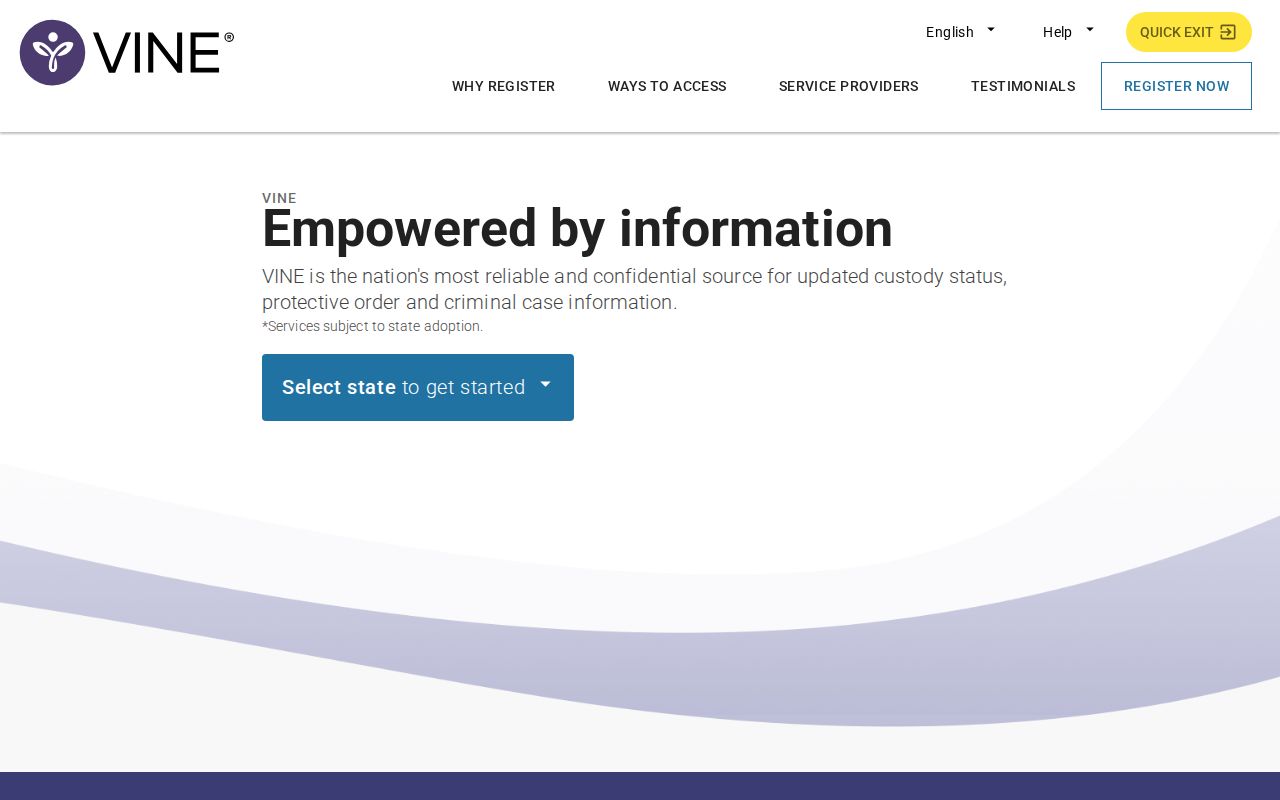
The capture shows the service entry point without exposing a real person's record.
Check a Lawrence Arrest on VINELink
Start with the current Indiana person-search route. Choose Indiana first. Pick Lawrence County when a filter appears. Enter the exact legal name from a known arrest record, plus a booking or offender ID if you have one.
- Open VINELink and select Indiana rather than a similarly named county in another state.
- Choose the person or custody search and narrow to Lawrence County when available.
- Enter the exact name or identifier requested by the current form.
- Compare all returned identifiers, facility labels, and status fields. Do not choose a match by name alone.
- For a missing or unclear result, call the Lawrence County Security Center jail division at 812-277-2014.
A blank result does not mean no arrest happened. Intake may be too fresh. A name can be spelled differently in the system. The person may already be released or moved. For a just-reported booking, check the Lawrence County 24 Hour Arrests source separately. The county arrest hub covers records and court follow-up, and the Indiana and Lawrence search interface shows the name and ID fields you will face.

Always use blank or known lawful inputs and avoid copying unrelated personal results.
VINELink Lawrence Custody Results
The live screen sets the field list. A result can show a custody status, the holding agency, a facility, an offender ID, and options to register for alerts. Read each label as this system's language. "In custody" means held at the reported moment, and "released" means that hold has ended.
| Result element | How to use it |
|---|---|
| Name and identifier | Confirm identity with more than spelling alone. |
| Custody status | Read with its update context; verify urgent changes with the jail. |
| Facility or agency | Shows the reported custody system, which can change after transfer. |
| Custody event | Placement, release, or transfer is not a court disposition. |
| Registration control | Starts confidential alert enrollment for the selected record. |
| Photo | VINELink is not a photo gallery; do not assume an image is available. |
County, state, federal, and immigration custody are different worlds. The Indiana Department of Correction locator tracks state prisoners, not fresh county bookings. The BOP and ICE each run their own systems. A transfer between them can leave a gap, so note the exact system and the time of every result.
Register for Lawrence Custody Alerts
Registrations with Indiana SAVIN stay confidential. It costs nothing. State guidance lists phone, email, text, and letter notices, while the current VINELink screen shows which options it offers online. Use contact details you control, and keep any PIN or confirmation method safe.
- Open the correct person's matched record and choose the notification or registration option.
- Select the custody events offered, such as release, transfer, placement, or another status change.
- Enter the current form's requested phone or email contact and choose the available delivery method.
- Create or enter a PIN if prompted. It may be needed to confirm receipt or manage the registration.
- Review the entry, complete verification, and keep the registration details for later changes.
The VINELink registration area shows the current contact and notification controls.
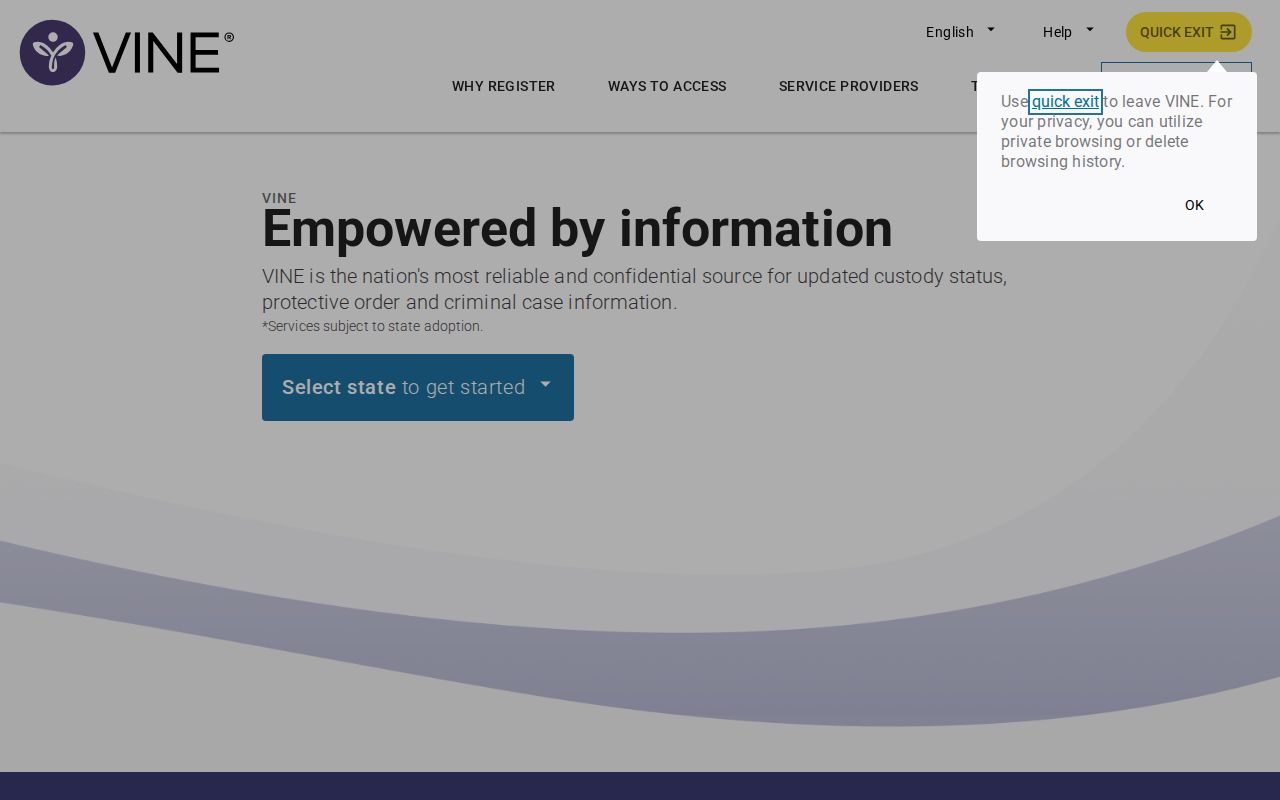
Searching and enrolling for alerts are two separate tasks. The sample screen shows no real registrant for that reason. Indiana's current SAVIN phone route is 1-866-891-0330. An older brochure printed a different number. Trust the current official FAQ. Automated notice is valuable, but it should never be your only safety plan. Call 911 in an emergency. Use the official Sheriff contact for non-emergency questions.
Lawrence VINELink Limits and Confirmation
VINELink does not see every custody path. It is not the federal BOP locator. It is not ICE or a court docket. It is not a county booking-photo archive either. A brand-new Lawrence arrest may not have reached the feed yet, and with no public browser roster from the county, a call to the jail matters most when timing is tight.
The county's official Inmate Information page draws a clear line. Jail staff can usually state the charges and any bond. Court appearance questions go to the court itself. That split is worth remembering. Custody is the jail's territory. Indiana MyCase and the Lawrence County Clerk hold the public case events. Bond sets the terms of release.
Sheriff App Versus VINELink Alerts
The official Sheriff page promotes an app packed with county tools. It lists incarcerated-individual information, emergency notices, sex-offender resources, tips, commissary, and communication features. Think of it as a county channel. VINELink is the statewide layer. It handles custody search and alerts. Check the app's live screen before trusting its fields or photos. Use it to register against a matched custody record. For a booking record or photo, send a written public-record request.
Respond to Lawrence Custody Alerts
An alert is a nudge, not an answer. Check the person, facility, event, and time stamp. When details look off, call the facility's official number rather than any number inside the message. Registration stays free. A real alert never charges to show basic status.
A transfer alone doesn't mean state prison, federal custody, or immigration detention. Search the receiving system only when another reliable record backs the move. Release can follow bond, a court order, or transfer. For the actual outcome, follow the cause number in MyCase, and lean on more than one channel in a true emergency.
Lawrence SAVIN Notification Events
Indiana SAVIN runs automatically, day and night, all year. Covered events can include placement, release, transfer, escape and return, court transport, and certain parole or probation changes inside the participating system. The choices a Lawrence County registrant sees depend on the current record and interface. Pick only helpful notices. Revisit them whenever the person's custody path shifts.
Court transport is not release. A transfer says nothing about the case itself. An escape or return notice calls for attention to safety and official instructions, not personal action. Placement simply means the system logged the person in a covered setting. Each alert covers one custody event. Read it narrowly. If danger is immediate, call 911 instead of waiting on a web update.
Registrations are confidential. Still, guard the phone, email account, and PIN tied to delivery. Update contact details when they change. Missed a notice? Search the record again and call the facility. Delivery can fail from blocked calls, full mailboxes, spam filters, or stale contact data, and none of that means custody stayed the same.
VINELink won't describe the booking photo. Ask the Sheriff for county booking material and the arresting city for an incident record when applicable. Track court events in MyCase. Keeping search, alerts, record requests, and court follow-up as separate tasks stops one limited tool from being stretched into answers it doesn't have.
Search Lawrence Custody Records
Match precise identifiers, choose the correct custody system, and confirm time-sensitive results.
Sponsored Results